
Automate Proposals in Microsoft Word
Create beautiful, professional proposals, SOWs, and RFP responses.
Curated, branded, approved content that you can trust, at your fingertips.
Automate Accurate SOWs & Proposals Directly from Excel Including Data, Charts, & Graphs.
Stop copying, pasting, and rechecking Excel data every time you build an SOW, proposal, or sales document. Expedience SmartLinks connects your Excel spreadsheets directly to fully branded Microsoft Word templates, so your team can generate accurate, consistent, client-ready documents in seconds—with the right data, charts, and graphs already in place. Move faster, reduce risk, and deliver polished documents with confidence.
Generate Accurate, On-Brand Proposals, SOWs, and Sales Documents Directly inside Microsoft Word
Stop building costly complex sales proposals manually, risking errors and inconsistencies. Expedience PDQs connect your Microsoft Word templates to the latest approved content in the Expedience library, guiding reps through simple selections with a rules-driven interface that helps prevent omissions and keeps every proposal branded, accurate, and ready to send. Move faster, reduce risk, and give your sales team the confidence to create complete proposals in seconds.
Eliminate copy/paste errors & AI guesswork with a curated content library of your best proposal content.
Stop wasting time hunting for the right proposal language, recycling outdated answers, or relying on AI guesswork. Expedience Portfolio puts your latest vetted and approved content directly inside Microsoft Word. Writers can highlight an RFP question, click search, and instantly find the most relevant response from your curated content library. Move faster, reduce proofing, and give every proposal writer the confidence to use accurate, consistent, customer-ready content every time.
Globally trusted for secure AI proposal automation





Find Trusted Content
Compliant. Risk free. No extra proofing or formatting required.
Automate Complex Sales Documents
Create complete proposals, sales documents, and SOWs in just a few clicks – even from Excel spreadsheets!
Expedience Software FAQs
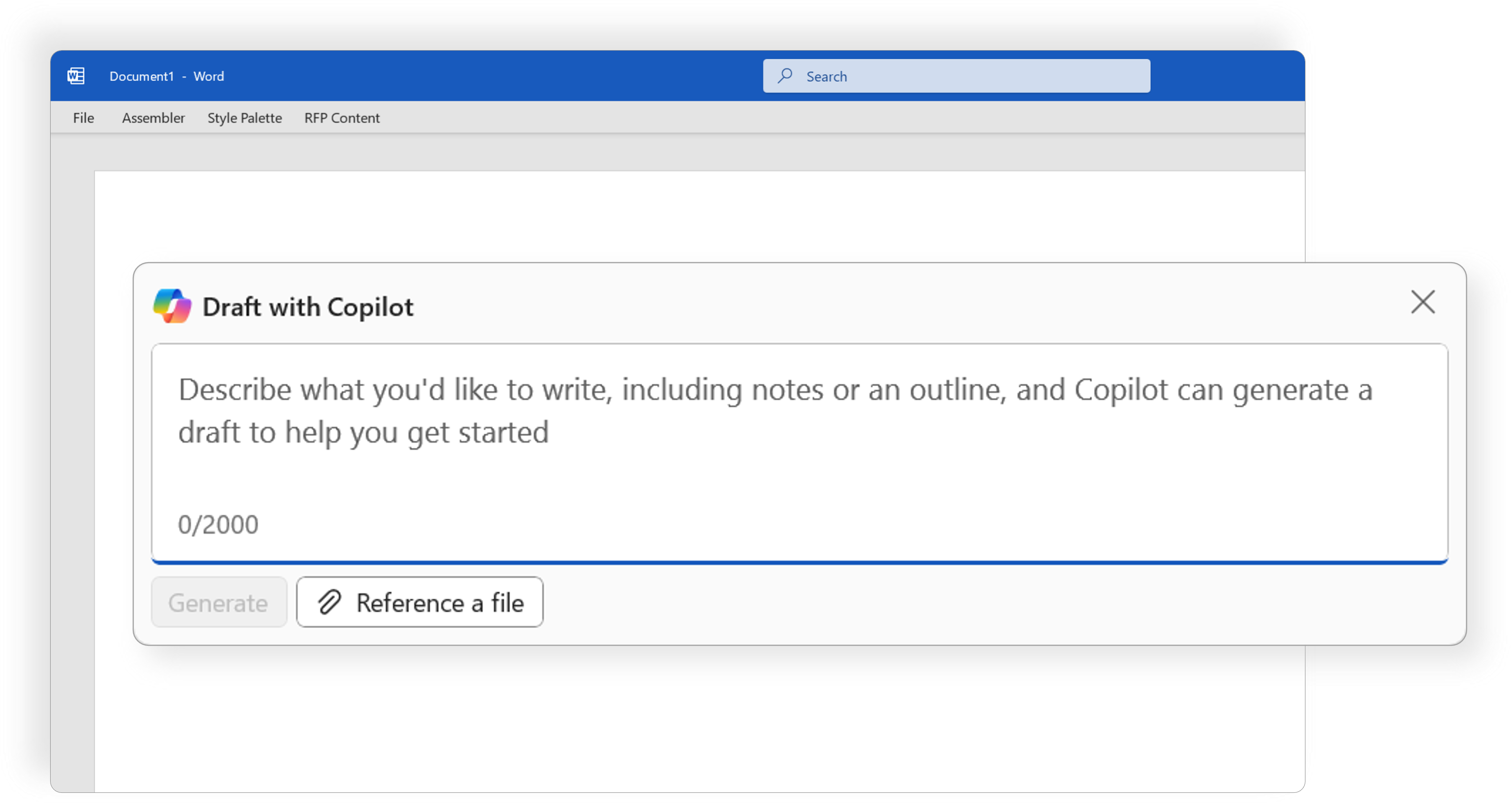
Seamless Microsoft Copilot Integration
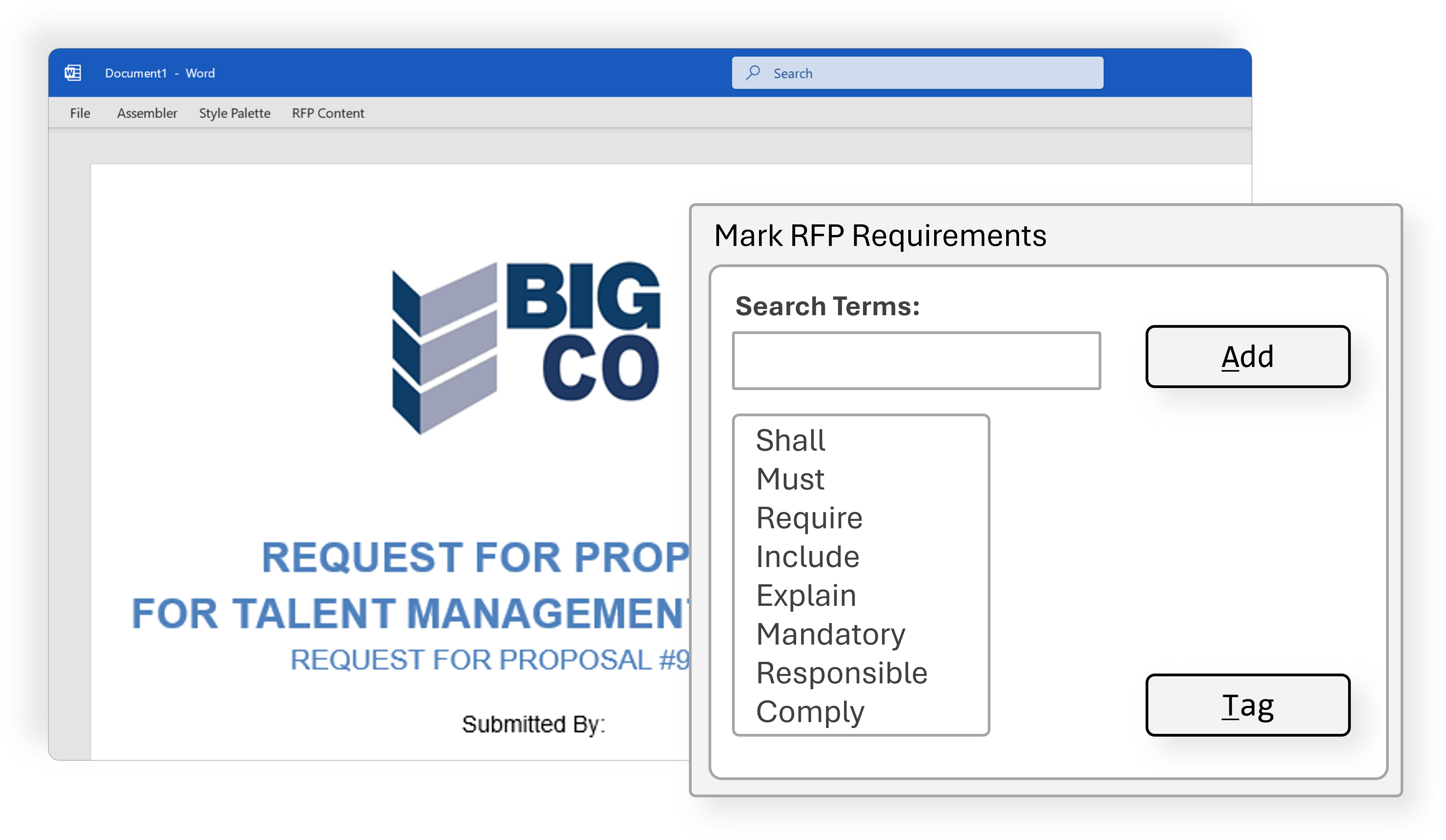
How does Expedience Manage RFP responses?
Do contributors need a license or training?
Even with dedicated proposal personnel, many others contribute to the final document. With Expedience, contributors never leave Microsoft Word and don’t need an Expedience subscription. This means less change, less to learn, and greater participation and collaboration.

Is Expedience Secure? Is my proposal content safe?